Caricature Generator

AI Logo Maker

Explore logo concepts for your brand. Describe your brand name, audience, symbols and preferred colors. Review the generated raster artwork carefully before commercial use.

THE CREATIVE SPACE

AI Logo Maker

Start with a photo. Finish with a personality.

JPG, PNG or WebP · up to 10 MB · up to 4 references
Art style

Swipe to explore 16 styles. The example updates as you choose.

0/1200

Your creations are saved in My works. Download a copy whenever you need it.

Your caricature1:1 · 1K
Style preview

Style preview

AI-generated style example · your result will use your own photo and settings.

No watermark·Credits returned on failure
AI Logo Maker

Make the image fit the way you will use it

Explore an AI logo concept from a clear brand brief. Describe the business, a meaningful symbol, the desired personality and two or three colors. Simple silhouettes and restrained detail help a mark remain recognizable on a website, social avatar or presentation. Compare several generated directions before choosing one to develop.

AI-generated style example · your result will use your own photo and settings.

What you can create

Useful for early brand exploration, a project pitch, community artwork or a design mood board. Try a flat geometric mark for a technology project, a paper-cut motif for a craft brand or a minimal ink emblem for a personal studio. Ask for a plain background and the mark alone to judge its shape clearly.

A better starting photo and prompt

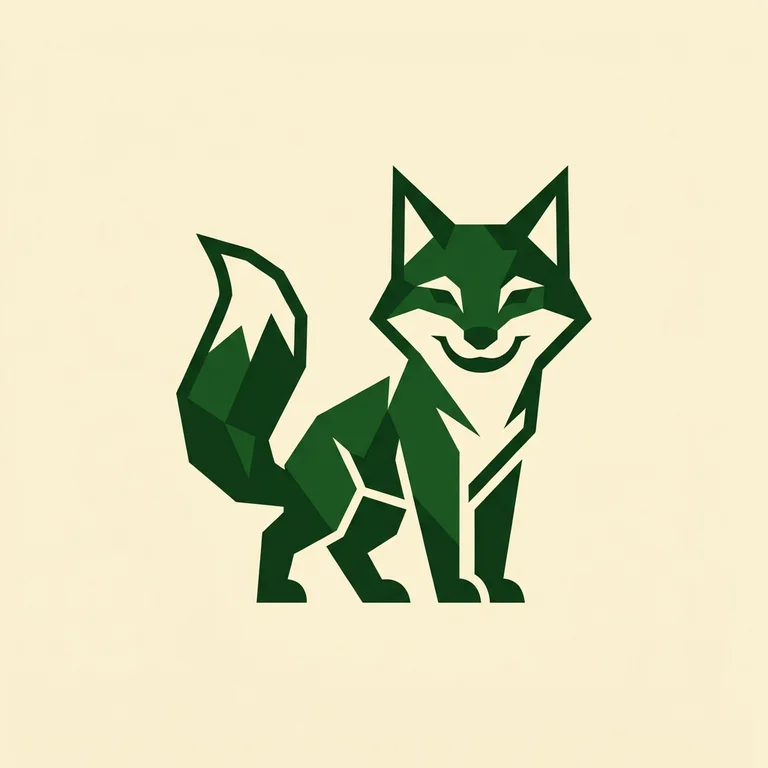
Write a concrete brief rather than a list of adjectives. Example: “a friendly geometric fox mark for a creative studio, forest green and ivory, strong silhouette, no lettering, no mockup.” Keep requested wording short if you need a wordmark, and inspect every letter at full size. Test the result as a small icon and in monochrome.

Before you download

The download is a raster PNG, not an editable SVG or a trademark clearance. A vector-like appearance does not make it a vector file. Before using a commercial identity, check relevant trademarks and ask a designer to refine geometry, lettering and vector production files. Do not upload someone else’s protected logo as your own brief.

Questions about this tool

Can I start without a photo?

Yes. Describe your character, scene or brand in the prompt. For an avatar of a specific person, a clear authorized photo gives the model an identity reference.

What resolution and file do I get?

Studio uses 1K output and Pro uses 2K output. The selected aspect ratio determines the image shape. Download the original PNG in your private library; this tool does not export editable layers or SVG files.

How do credits and further edits work?

A Studio generation uses 5 credits; Pro uses 10. Continuing an edit sends the saved result as a new reference and creates another charged generation. Monthly, annual and one-time options are on the pricing page. A failed task returns its credits once.