Caricature Generator

AI Banner Generator

Create a distinctive banner background for your social profile or campaign. Describe the subject and colors; choose a wide format and leave room for your headline.

THE CREATIVE SPACE

AI Banner Generator

Start with a photo. Finish with a personality.

JPG, PNG or WebP · up to 10 MB · up to 4 references
Art style

Swipe to explore 16 styles. The example updates as you choose.

0/1200

Your creations are saved in My works. Download a copy whenever you need it.

Your caricature16:9 · 1K
Style preview

Style preview

AI-generated style example · your result will use your own photo and settings.

No watermark·Credits returned on failure
AI Banner Generator

Make the image fit the way you will use it

Generate an AI banner background for a social header, website hero or campaign. Wide composition, a clear focal point and intentional empty space make the result useful when you add a headline afterward. Choose the format for your placement first, then describe the brand colors, subject and area that should stay quiet.

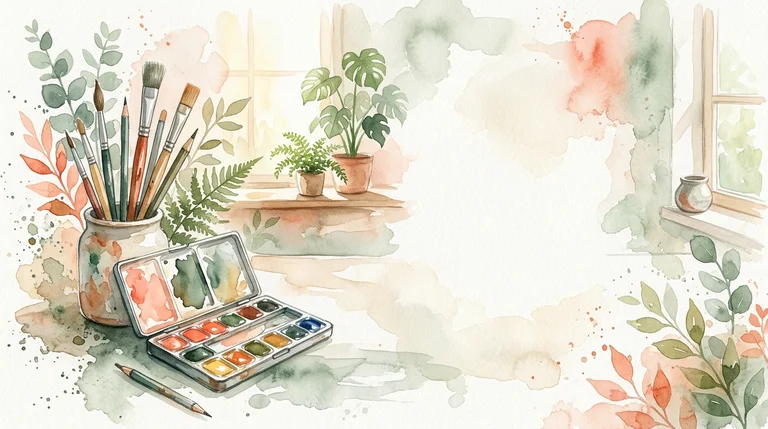
AI-generated style example · your result will use your own photo and settings.

What you can create

Create visual directions for a creator profile, product announcement, newsletter or seasonal promotion. Try a paper-cut landscape for a friendly brand or a restrained vector scene for a professional launch. Reuse the same palette across banners to build a consistent visual identity.

A better starting photo and prompt

Start with 16:9 for a wide concept, but check the final platform dimensions before publishing. Describe where the subject belongs and where text will be placed. For example: “a calm watercolor studio, sage and ivory, plants at the edges, open center for a headline.” Keep critical details away from crop-prone edges.

Before you download

The tool creates a raster background, not a layered design file or editable typography. Add and proofread final text in your design editor. AI-rendered lettering can contain mistakes. The downloadable PNG uses the selected model resolution and aspect ratio; crop and test it at the final display size.

Questions about this tool

Can I start without a photo?

Yes. Describe your character, scene or brand in the prompt. For an avatar of a specific person, a clear authorized photo gives the model an identity reference.

What resolution and file do I get?

Studio uses 1K output and Pro uses 2K output. The selected aspect ratio determines the image shape. Download the original PNG in your private library; this tool does not export editable layers or SVG files.

How do credits and further edits work?

A Studio generation uses 5 credits; Pro uses 10. Continuing an edit sends the saved result as a new reference and creates another charged generation. Monthly, annual and one-time options are on the pricing page. A failed task returns its credits once.