Caricature Generator
💼

Me & my job · Create

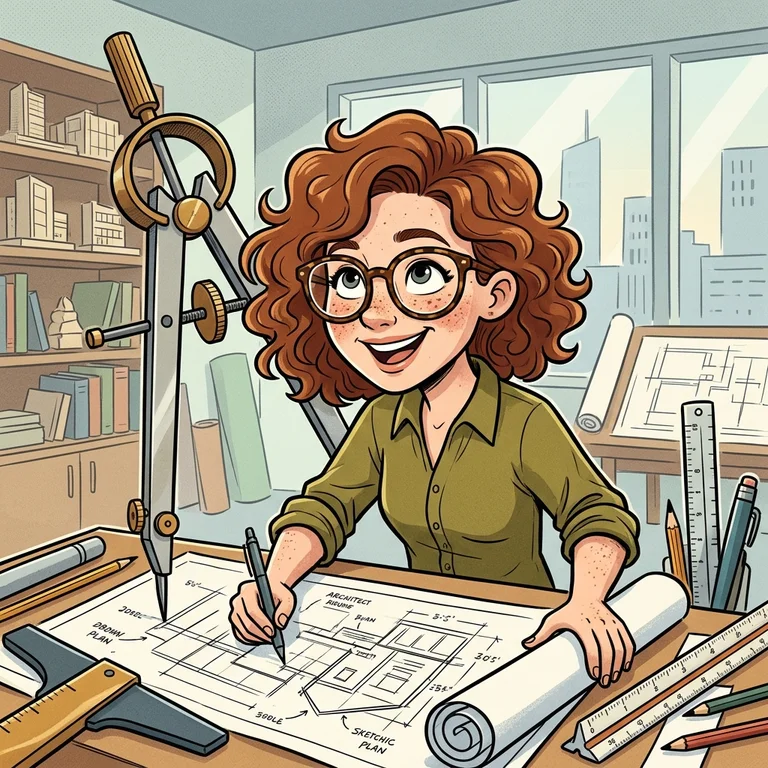
Celebrate the person behind the profession. Add a clear headshot, enter the job, and describe two or three meaningful details: a favorite tool, an office pet, or that legendary coffee cup. A classic exaggeration keeps the face recognizable while oversized props tell the story. Ideal for team profiles and thoughtful farewell gifts.

THE CREATIVE SPACE

Create Your Photo Caricature

Start with a photo. Finish with a personality.

JPG, PNG or WebP · up to 10 MB · up to 4 references
Art style

Swipe to explore 16 styles. The example updates as you choose.

Scene

Scenes guide the setting, clothing, props and composition. Your photo still defines who is in the picture.

Tips for this scene

Celebrate the person behind the profession. Add a clear headshot, enter the job, and describe two or three meaningful details: a favorite tool, an office pet, or that legendary coffee cup. A classic exaggeration keeps the face recognizable while oversized props tell the story. Ideal for team profiles and thoughtful farewell gifts.

Character expression

All levels prioritize the features in your photos. Exaggeration changes head-to-body proportions and expression, not who the person is. Results can still vary.

No photo yet. Text-only generation cannot preserve a particular person’s identity.

Compare the three levels using one sample person

These are prepared examples of one AI-created person, not your uploaded photos or a live preview. They are never sent as references for your generation. Style and scene examples are also illustrative.

Sample source photo
Gentle
Classic caricature
Bold & playful
0/1200

Your creations are saved in My works. Download a copy whenever you need it.

Your caricature1:1 · 1K
Style preview

Style preview

AI-generated style example · your result will use your own photo and settings.

No watermark·Credits returned on failure
Me & my job

Me & my job

Celebrate the person behind the profession. Add a clear headshot, enter the job, and describe two or three meaningful details: a favorite tool, an office pet, or that legendary coffee cup. A classic exaggeration keeps the face recognizable while oversized props tell the story. Ideal for team profiles and thoughtful farewell gifts.

AI-generated style example · your result will use your own photo and settings.
THREE LITTLE STEPS

How to Use the Caricature Generator

01

Upload a Clear Reference Photo

Start with a well-lit photo where the face is easy to see. Avoid heavy filters, strong shadows, and objects covering important features. You can upload JPG, PNG, or WebP files, with up to four reference images and a maximum of 10 MB per image. For a group portrait, explain who should appear and how they should be arranged.

02

Choose a Style, Scene, and Exaggeration

Pick an art style for the visual treatment, then choose a scene for the setting. Use subtle exaggeration for proportions closer to your reference, classic caricature for a balanced comic effect, or bold exaggeration for stronger feature emphasis. Describe any important clothing, hobbies, or props. Choose a square, portrait, or landscape format to suit how you will use the image.

03

Download or Refine Your Caricature

Review the finished portrait before downloading the original without a watermark. Check facial details, group arrangements, lettering, and small objects. You can use a completed image as a starting point for further refinement, with each new generation consuming credits. Your creations remain available in My works. Download a copy for safekeeping, and check image dimensions against your printer’s requirements before printing.

A FEW USEFUL ANSWERS

Questions About Creating Your Caricature

Will the caricature still look like me?+

The caricature generator prioritizes recognizable features from your uploaded photos, but likeness is not guaranteed. Use a clear reference and start with subtle or classic exaggeration if recognition matters most. Stronger exaggeration emphasizes selected features more noticeably. Review the result and refine details when needed.

Can I create couple, family, and pet caricatures?+

Yes. Choose the relevant scene and provide clear references for the people or pets you want to include. Describe their positions, clothing, and distinguishing details. A wider format can help with groups. Check every face and the number of subjects, because generated group portraits can contain mistakes.

What happens if generation fails?+

Credits are returned automatically when a generation task is marked failed. A temporary connection problem does not necessarily mean the image failed. Check My works before submitting another request, so you do not start an unnecessary generation. A completed image that you choose to regenerate uses additional credits.

Do I need a subscription?+

No. A one-time credit pack lets you create portraits without automatic renewal. Monthly and annual subscriptions are available for regular use, with annual offering the lowest price per credit. Sign in with Google to manage your portraits and credits. Each plan lists its allowance, credit validity, and renewal terms.