Bring your best photo
A clear face and natural light make a great starting point. Add more references for extra context.
Keep every personality in the picture. Choose a clear group photo, tell us how many people should appear, and name any important details such as matching glasses or a beloved family pet. A landscape format works well for larger groups. Review each face in the finished result and refine the scene if needed.
Start with a photo. Finish with a personality.
Your creations are saved in My works. Download a copy whenever you need it.
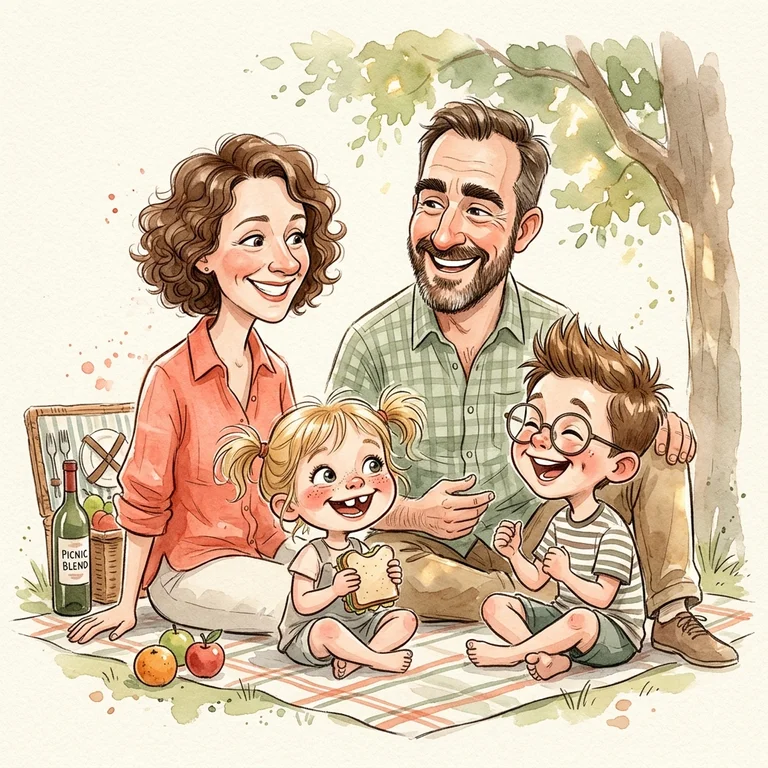
AI-generated style example · your result will use your own photo and settings.
Keep every personality in the picture. Choose a clear group photo, tell us how many people should appear, and name any important details such as matching glasses or a beloved family pet. A landscape format works well for larger groups. Review each face in the finished result and refine the scene if needed.
AI-generated style example · your result will use your own photo and settings.A clear face and natural light make a great starting point. Add more references for extra context.
Pick an art style, choose a moment, and control how playful the exaggeration gets.
Download the original without a watermark. Keep refining until the details feel right.
The prompt prioritizes your distinctive features. Use a clear portrait, keep likeness enabled, and choose a subtle or classic exaggeration. Results vary; you can refine a finished image.
Yes. Choose the family, couple or pet scene and add clear references. For groups, describe who should appear and use a wider format.
Credits are returned automatically when a task is marked failed. A temporary connection error does not mean the image failed: check My portraits before trying again.
No. You can buy a one-time credit pack. An optional monthly plan is available for regular creators. Sign in with Google to manage your credits and portraits.